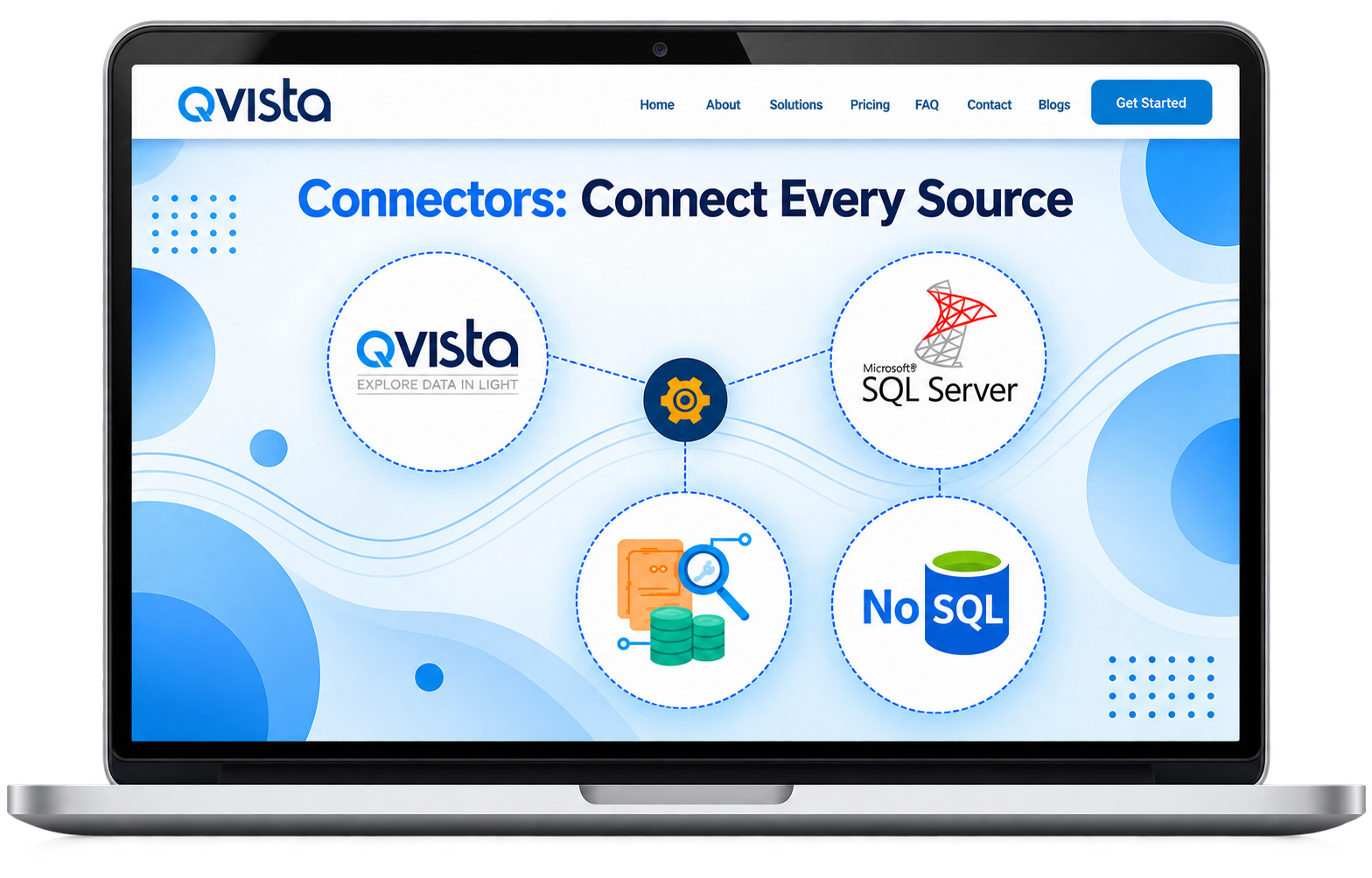
Connectors: Connect Every Source

Qvista Connectors let you securely connect to databases, files, APIs, cloud services, and spreadsheets without writing code. Once connected, your data is synchronized in real time and becomes instantly available across DataTables, Views, and Autoflux workflows.

Whether your data lives in a database, spreadsheet, API, or cloud storage, Connectors bring everything together in one centralized platform.
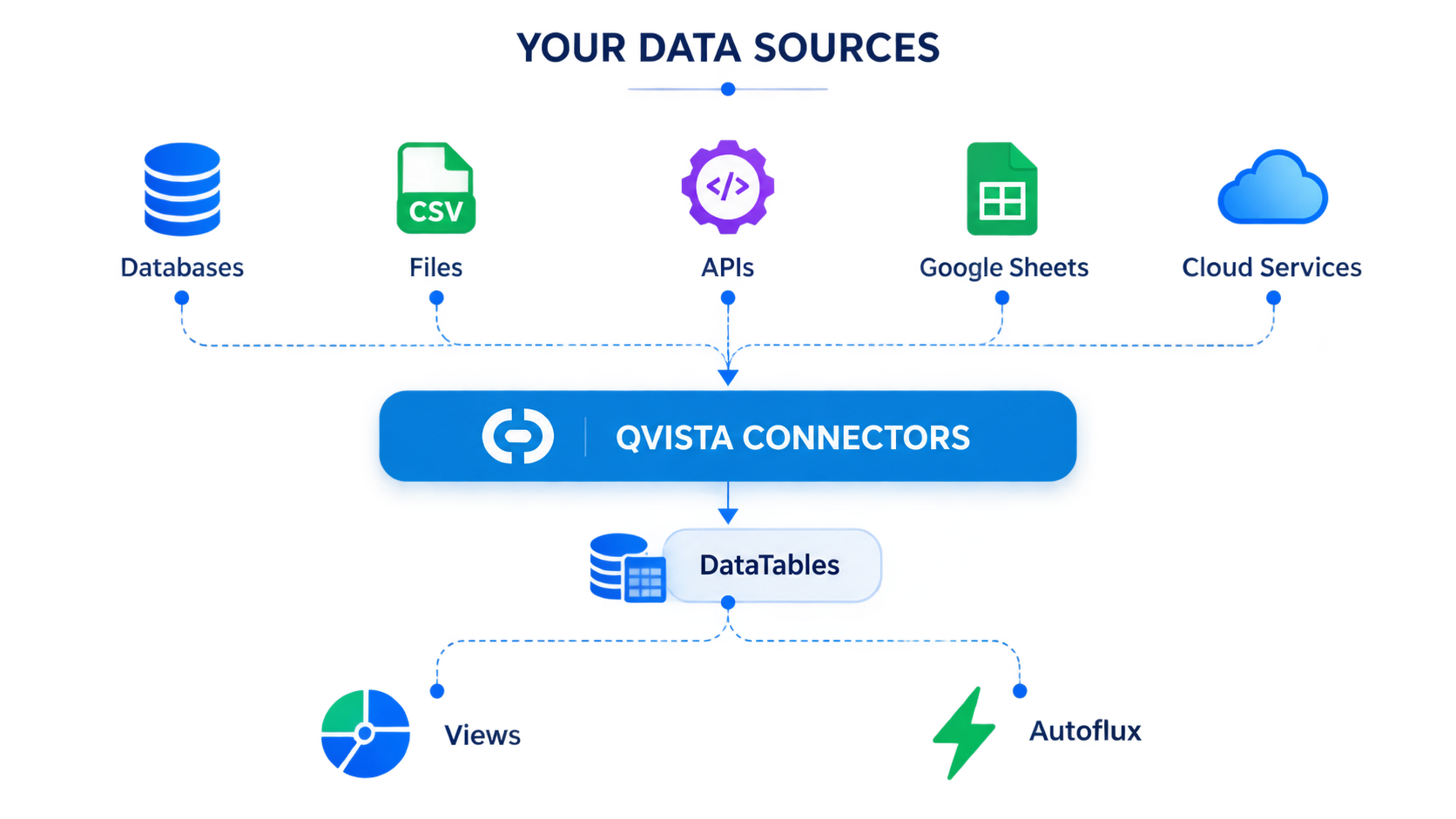
Qvista Connectors overview

Connect to the Sources You Already Use

Connect Qvista to databases, files, APIs, webhooks, and Google Sheets — and bring your data into one centralized platform.

SQL & NoSQL Databases

Connect MySQL, PostgreSQL, Microsoft SQL Server, MariaDB, Oracle, MongoDB, Redis, DynamoDB, and more for real-time data extraction and queries.

Explore Database →

Files & Spreadsheets

Upload and sync CSV, Excel, TSV, and JSON files, or automatically ingest new files as they arrive.

Explore File Connectors →

APIs & Webhooks

Connect REST, SOAP, and GraphQL APIs or receive live event data through webhooks.

Explore APIs & Webhooks →

Google Sheets

Sync Google Sheets with Qvista to power live dashboards and event-driven workflows.

Explore Google Sheets →

Everything You Need to Keep Your Data Connected

Real-Time Synchronization

Keep Your connected data always up to date with real-time synchronization.

Encrypted Transfers

All connections use TLS, with credentials encrypted at rest to help protect your data.

Schema Discovery

Qvista automatically detects tables, fields, and data types when connecting to supported sources.

Reusable Connectors

Create a connector once and reuse it across multiple DataTables, Views, and workflows.

Connect Your Data in a Few Simple Steps

01
Choose Your Source

Select the database, file, API, Google Sheet, or other supported source you want to connect.

02
Configure Your Connection

Enter the required connection details and authentication settings.

03
Test & Save

Test the connection and save it once everything is ready.

04
Use Your Data

Make your connected data available across DataTables, Views, and Autoflux workflows.

One Connection.Multiple Possibilities.

Connect your data once and unlock its full potential across QVista. Bring data from your favorite sources into one connected ecosystem without repeatedly configuring the same source for different use cases. Your connected sources can feed DataTables, power dynamic Views, populate dashboards, and trigger Autoflux workflows—helping you transform raw connected data into meaningful insights and automated business operations.

With QVista, your data doesn't just sit in one place. Connect it once, reuse it across multiple modules, and build powerful workflows around it. Connect your data. Visualize it. Automate it. Use it everywhere.

Connect once. Use everywhere. →
Qvista Connectors possibilities

Put Your Connected Data to Work

Live Data Dashboards

Connect a database or Google Sheet and use the data to power live dashboards.

Automated File Ingestion

Automatically ingest new files from connected cloud folders as they arrive.

Event-Driven Workflows

Receive webhook events and trigger Autoflux workflows based on incoming data.

Form & Spreadsheet Data

Sync form submissions from Google Forms into DataTables and use the data in downstream workflows.

External Service Integrations

Connect services such as Stripe, Shopify, and GitHub through APIs and webhooks.

Your Connections, Protected

Encrypted Credentials

Credentials are encrypted at rest.

TLS Connections

Connections use TLS by default.

SSH Tunneling

Supported database connections can use SSH tunneling.

IP
IP Allowlists

Use IP allowlists for additional connection control.

Secure Credential Handling

Connection credentials are handled securely and are not exposed unnecessarily.

Controlled Access

Manage who can access and use your connections with permission-based controls.

Ready to Connect Your Data?

Explore the Qvista documentation for detailed guides on creating and configuring database, file, API, webhook, and Google Sheets connectors.

SQL & NoSQL Databases Files & Spreadsheets APIs & Webhooks Google Sheets