
Qvista DataTables are the platform's built-in storage layer, providing a flexible, no-code way to store, organize, and manage structured data. Whether your data comes from Connectors, Forms, or manual entry, DataTables serve as the centralized foundation for powering Views and Autoflux workflows.
Designed for both simplicity and scalability, DataTables help you maintain clean, structured, and accessible business data in one centralized workspace.
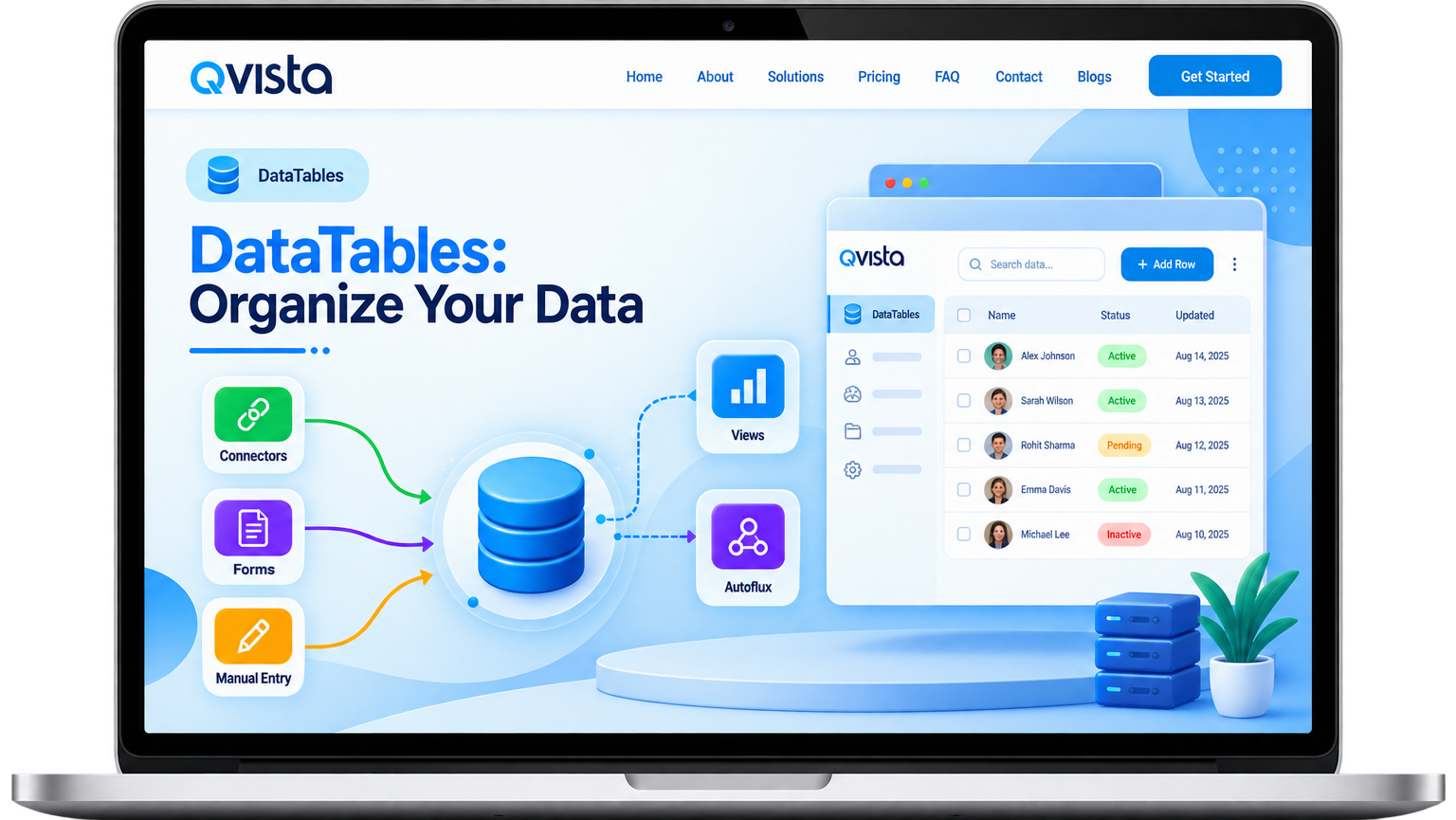
Power your operations with structured, centralized, and real-time data.
Choose the method that works best for your data.
A simple workflow to create and prepare your data.
Select how you want to create your DataTable.
Add table name, description, and optional settings like time zone and permissions.
Preview your data, review the schema, and confirm everything looks right.
Click Create and your DataTable is ready to use across Qvista.
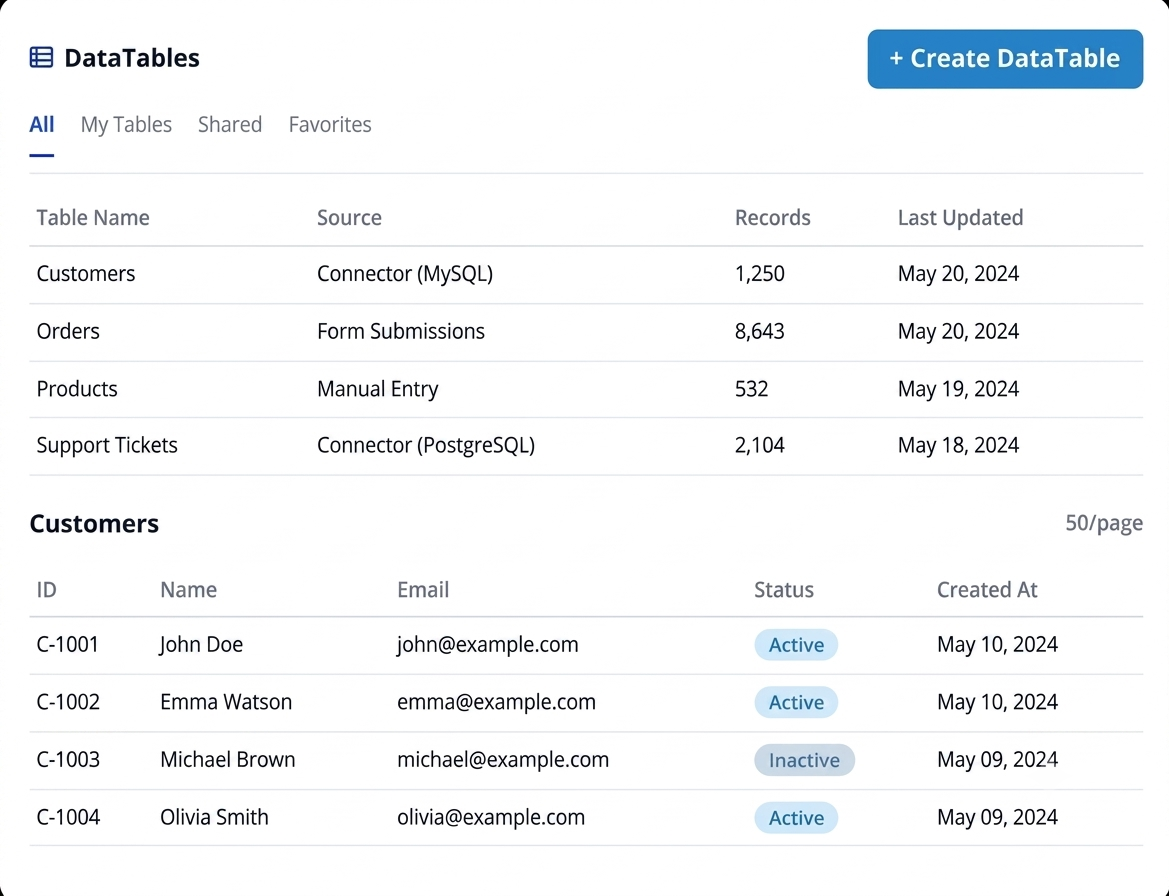
Once created, QVista gives you everything you need to keep your data organized, secure, and up-to-date.
Manage your data directly from the table with simple actions.
Add, remove, or update fields to match your evolving data requirements.
Control who can view, edit, or manage each DataTable.
Quickly find the records you need using search and filtering options.
Import existing data into your DataTables and export your data whenever needed.
Use your data across Views, Forms, and Autoflux workflows to build connected business processes.
Store customer details, history, and interactions in a structured format.
Manage product catalogs, stock levels, pricing, and attributes.
Track orders, payments, invoices, and transaction records.
Organize and manage support requests, issues, and resolutions.
Store any operational data that drives your business forward.
Explore the Qvista documentation to learn how to create, configure, and manage DataTables.